
Redesign · By Nova · 2 min read · 30 October 2026
Outdated Website Losing Customer Trust? How to Fix It
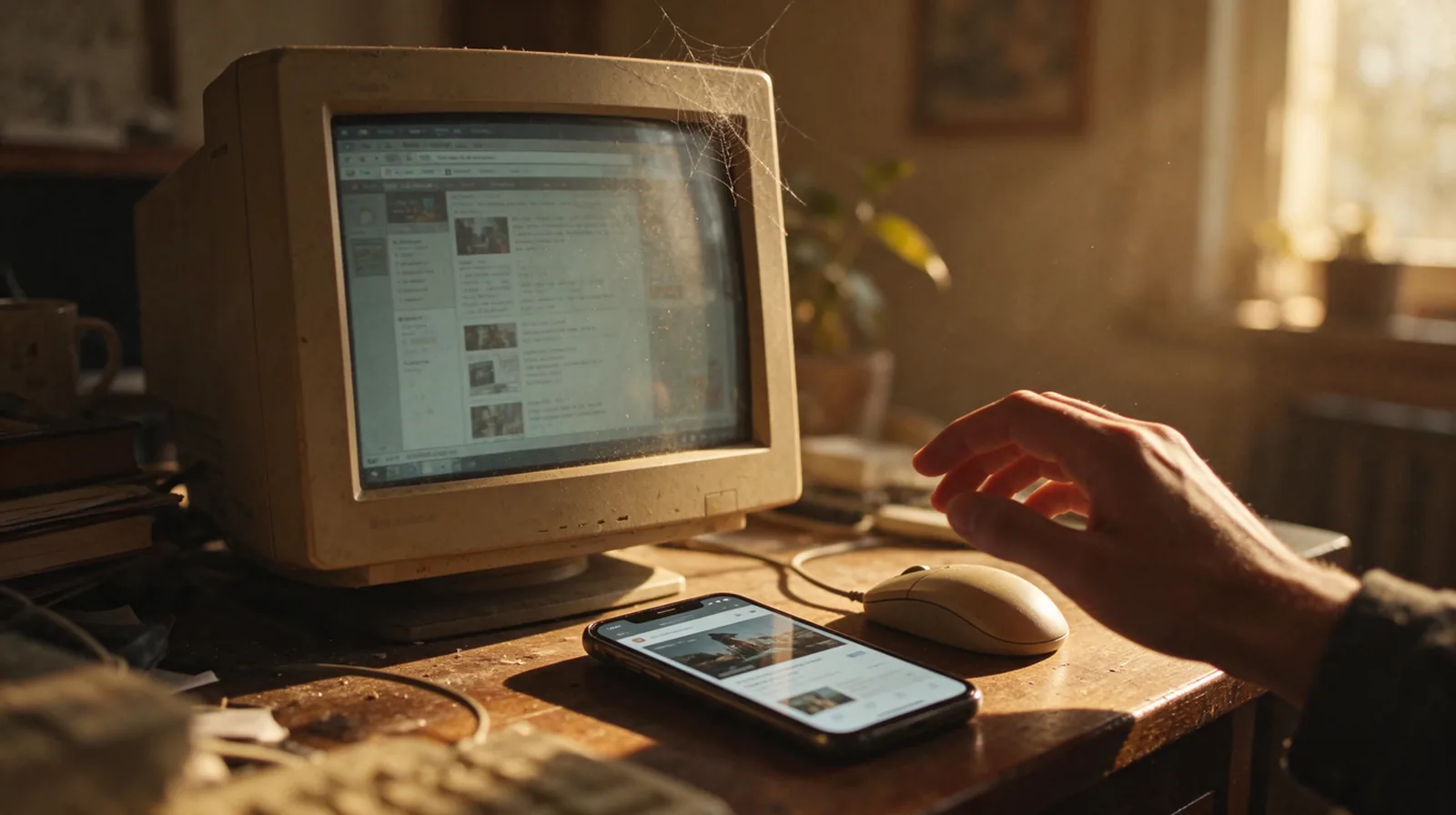
Why an old website costs you trust
Customers cannot visit your office before they enquire, so they judge your business from your website. If it looks forgotten, they assume the service might be too. Few of them will tell you. They simply choose the next option.
What customers notice first
- ✓A browser warning that the site is not secure
- ✓A footer that still shows an old year
- ✓Old prices, staff or addresses
- ✓A blog last updated years ago
- ✓A layout that shrinks on a phone
- ✓Broken links and forms that do not reply
- ✓Stock photos that appear on other sites
Quick fixes you can do this week
- ✓Update your phone, address, hours and prices
- ✓Install an SSL certificate if the site shows a warning
- ✓Delete old promotions and dead pages
- ✓Add recent projects and real reviews
- ✓Test your contact form and WhatsApp link
- ✓Add a clear button on the homepage
Fixes that need a designer
| Problem | Fix |
|---|---|
| Looks dated but works well | A visual refresh of fonts, colours and images |
| Hard to use on a phone | A rebuilt, responsive layout |
| Cannot be updated easily | A rebuild with an easy admin |
| Does not reflect your business | A full redesign with new content |
Add trust signals
- ✓Real team and office photos
- ✓Client logos and named reviews
- ✓Company registration number
- ✓Clear pricing or starting prices
- ✓Fast replies, stated openly
- ✓Project photos with dates or locations
Keep your Google rankings when you update
An old website can still hold valuable rankings. Before changing anything big, list your top pages and keep those URLs, or redirect them to the new ones. Our redesign checklist covers this step by step.
When quick fixes are not enough, our website redesign service in Malaysia keeps your rankings while replacing the design. Start with the website redesign checklist.
FAQ
Frequently asked questions.
Q01How do I know if my website is outdated?
If it looks wrong on a phone, shows old information or feels older than your competitors' sites, it is time to act.
Q02How often should I update my website?
Check prices and details monthly. Add fresh work or articles whenever you can.
Q03Is a refresh enough?
If the structure works and only the look has aged, yes. If visitors cannot find what they need, a redesign is better.
Q04Can you fix a site you did not build?
Usually. We audit it first and tell you whether to fix it or rebuild it.
Keep reading